AI Assistant
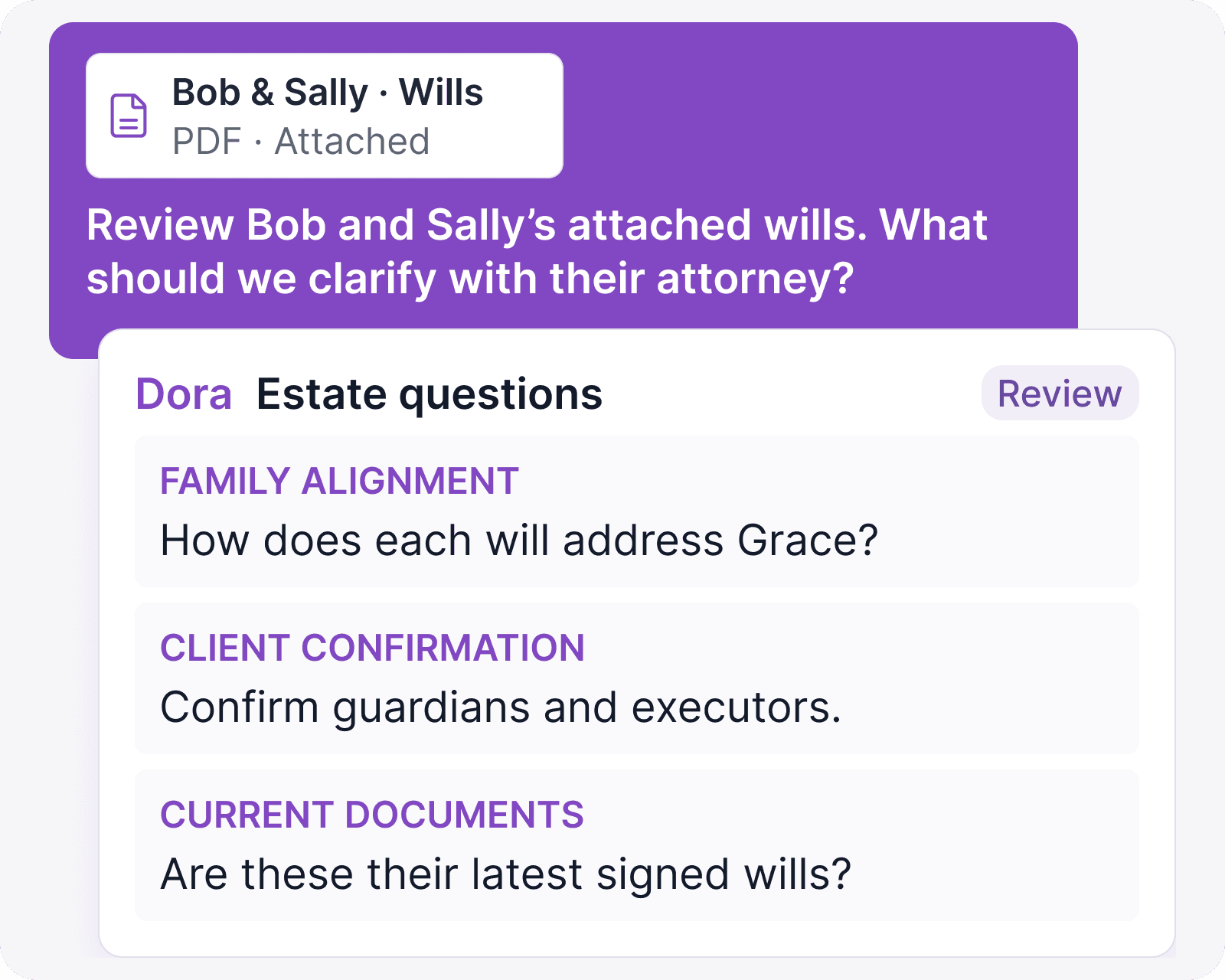
Meet Dora, the AI planning agent inside Kerdora.
Dora works inside the client plan, with access to plan data, documents, connected accounts, holdings, transactions, cash flows, Guide content, and open tasks. Ask Dora to extract information, update plan fields, find opportunities, prepare client-ready work, and assign follow-up tasks without leaving Kerdora.
Advisor approval
Zero data retention
Deterministic calculations

Dora makes you a better advisor
Dora gives you more complete context before you make the recommendation. It helps reduce the manual work, surface planning gaps, and prepare the next steps, while you stay responsible for the judgment, advice, and client relationship.
Planning insights
Catch what you missed.
Ask Dora to review the client’s full financial picture for missing information, risks, inconsistencies, deadlines, and planning opportunities before the meeting.
Planning gaps · Risks · Deadlines · Opportunities

Plain-English updates
Update the plan in plain English.
Tell Dora what changed, and it can draft updates across goals, assumptions, assets, liabilities, income, expenses, insurance, estate details, and other plan fields for your review.
Plan fields · Draft updates · Advisor approval

Document extraction
Extract from anything.
Upload tax returns, statements, screenshots, spreadsheets, transcripts, or prior plans. Dora pulls out the details that matter and connects them to the planning work.
Documents · Transcripts · Screenshots · Prior plans

Planning analysis
Find opportunities buried in the plan.
Dora can review spending, holdings, cash flows, goals, documents, and plan details together, helping you spot patterns, tradeoffs, and planning opportunities that are hard to catch manually.
Spending · Calculations · Scenario analysis

Meeting prep
Be fully prepared for every meeting.
Dora can review the client’s plan, recent changes, open tasks, documents, and planning priorities, then draft a meeting agenda that helps you focus the conversation where it matters most.
Plan priorities · Recent changes · Open tasks · Agenda drafts

Advice to action
Turn advice into action.
Break recommendations into clear next steps, assign tasks through the client portal, and track follow-through after the meeting.
Tasks · Client portal · Follow-through

What Dora can do
One planning agent across the whole workflow.
Dora helps with the work around planning, from client inputs and plan updates to deeper analysis, meeting prep, client guidance, and follow-through.
Review the full plan
Scan goals, cash flows, holdings, documents, tasks, and notes for context before you advise.
Update plan fields
Draft changes to assumptions, accounts, goals, income, expenses, insurance, estate details, and more.
Extract documents
Pull relevant details from tax returns, statements, transcripts, screenshots, spreadsheets, and prior plans.
Analyze spending
Review transactions and cash-flow patterns to find savings opportunities, risks, and behavior worth discussing.
Find planning opportunities
Surface gaps, deadlines, inconsistencies, and strategies that may be easy to miss manually.
Draft Guide content
Turn reviewed planning context into client-facing explanations you can edit and approve.
Prepare agendas
Build meeting agendas from recent changes, open tasks, and the client's highest-priority planning issues.
Create follow-up tasks
Turn recommendations into assigned next steps through the Kerdora client portal.
Summarize context
Get a fast read on what changed, what matters, and what needs your attention next.
Advisor approval
Nothing moves forward until you approve it.
Dora can structure messy inputs, draft updates, summarize context, and prepare tasks. You review what gets saved, assigned, or shared, so AI speeds up the work without taking control of the plan.
Review queue
Source
Client uploaded statement and meeting notes
Documents and notes enter the workflow.
Dora draft
Facts, questions, and suggested tasks
Dora prepares a reviewable first pass.
Advisor approval
Approve, edit, or reject before anything is saved
You decide what becomes part of the plan.
Guardrails
Built with planning guardrails.
Dora helps with the work around advice, but Kerdora keeps calculations, recommendations, client communication, and plan changes under your control.
Deterministic calculations
Planning calculations run on Kerdora’s models, not a model-generated guess.
Advisor-owned recommendations
Dora can prepare context and drafts. You own the advice.
No client-facing chatbot
Dora works inside your advisor workflow, not directly with clients.
Review before saving
Approve, edit, or reject changes before they become part of the plan.
AI security
Rooted in security.
Kerdora operates with clear limits around data retention, model training, advisor approval, and core platform infrastructure.
Zero data retention
Kerdora operates under zero data retention agreements with AI model providers. Client information is processed only to complete the requested action and is not retained by the provider after processing.
No model training
Client information processed through Kerdora’s AI workflows is not used to train, improve, or fine-tune AI models. Our provider agreements prohibit use for model training or secondary purposes.
US-based infrastructure
Kerdora’s core platform infrastructure is hosted in the United States, with client planning data stored and processed in US-based systems.

SOC 2 underway
Kerdora completed its SOC 2 Type II observation period and is currently in the audit process.
FAQ
Frequently asked questions
Does AI write the plan?
No. You build the plan. AI helps extract information, draft updates, summarize context, and prepare next steps based on your direction. You approve what becomes part of the plan.
Does AI do the math?
No. Kerdora’s planning calculations run on deterministic models. Numbers do not come from a language model.
What information can AI access?
AI can work with the client plan context available inside Kerdora, including plan details, documents, connected accounts, tasks, and Guide content, depending on the request. It only uses the context needed to complete the action.
Is client information used to train AI?
No. Kerdora operates under zero data retention agreements with its AI providers. Client information processed by AI is not retained for training or future use.
Where does client information go?
Kerdora sends only the context needed for the request to the model provider for processing. Under our zero data retention agreements, that information is not retained by the provider.
Can AI act without my approval?
No. AI can draft, suggest, and prepare work, but you approve changes before they are saved, assigned, or shared.
Will AI talk to my clients?
No. Kerdora’s AI is advisor-facing. It can help draft explanations, tasks, and Guide content, but you decide what gets shared with clients.
How do you handle hallucinations?
Kerdora uses advisor approval, source review, and deterministic planning models. AI can help draft, extract, summarize, and analyze, while calculations and saved plan changes stay controlled and reviewable.
Advisor-built
Built from real planning work.
Kerdora started inside an advisory firm, after years of trying to make traditional planning software fit the way clients actually think. Dora extends that same workflow into AI, helping advisors reduce manual work, find what needs attention, and turn reviewed decisions into next steps.
“I wanted AI that could work inside the client plan, help advisors see what matters, and keep the advisor in control of what becomes real.”
Taylor Stewart, CFP®
Founder, Kerdora
“This is the most useful software I’ve used in my 30-year career.”
Nate Clark, Envision Retirement Solutions
See Dora in action.
See how Dora helps you extract client information, update the plan, find what needs attention, and turn advice into follow-through.
Schedule demo